
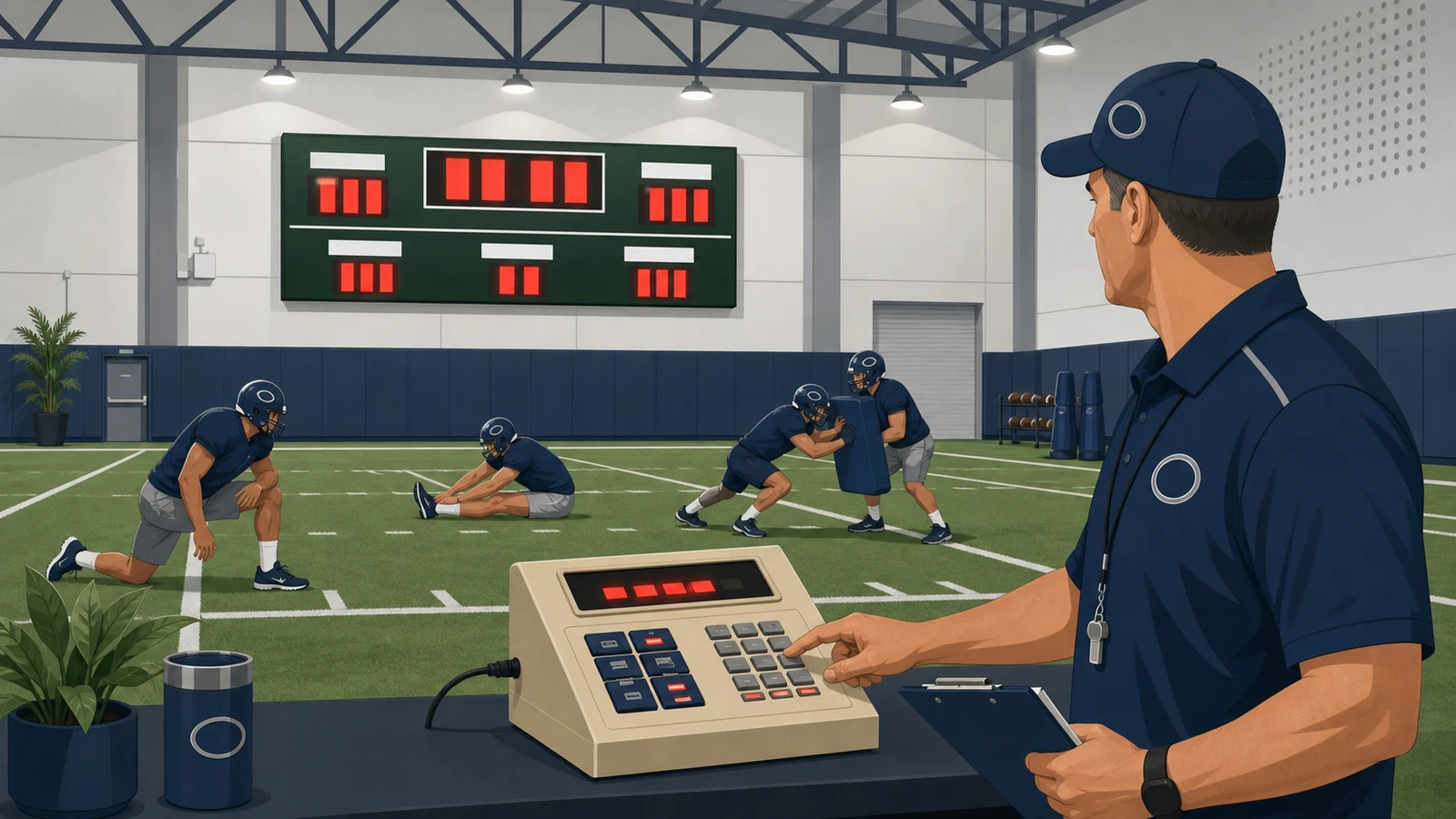
The short answer: a practice segment timer refers to a built-in console mode - not a separate device - that counts down sequential timed drill intervals on your scoreboard display so every coach and player sees the same clock simultaneously. Most football consoles from Electro-Mech, Daktronics, and Fair-Play already include this feature as standard.
According to Daktronics' knowledge base (KB DD2019058), the All Sport 5000 reaches its segment timer mode in six keystrokes from a standard game screen. Electro-Mech football consoles include the same capability built into the console. Adding a practice segment timer to a field house is a configuration task, not a purchase order.
Quick Answer
The short answer: Adding a practice segment timer to a football field house is a configuration task, not a purchase. The feature is built into football control consoles from Electro-Mech, Daktronics, and Fair-Play as standard equipment. According to Daktronics' knowledge base (KB DD2019058), the All Sport 5000 reaches segment timer mode through a documented menu sequence - no separate device or software license required.
I've spent more than 30 years helping schools and recreation departments choose scoreboard systems, and the practice segment timer question comes up constantly. A practice segment timer is defined as a built-in console mode that counts down sequential timed drill intervals and advances automatically between each block and its break - displaying the active countdown on the scoreboard display so every coach and player in the field house sees the same clock at the same moment. The feature is standard equipment on football control systems from Electro-Mech, Daktronics, and Fair-Play.
According to Daktronics' knowledge base (KB DD2019058), the All Sport 5000 accesses its segment timer mode through a six-keystroke sequence from a standard game screen. No additional hardware purchase is required. Sports technology coverage centers heavily on GPS tracking and wearable analytics, but those systems solve a different problem. A visible shared countdown on the scoreboard is what every player can see between whistles - from any position on the floor. No wearable device does that.
What is a practice segment timer and why does every football field house need one?
A practice segment timer runs sequential timed drill intervals on a scoreboard display so every player and coach sees the same countdown at the same moment.
I have spent more than 30 years in the sports manufacturing and construction industry, and in my experience the most underused feature on most football scoreboards is already sitting in the console at the end of the cable. According to Electro-Mech, the football control console includes a practice segment timer mode specifically designed to help coaches "keep your practices right on schedule" - and from what I have seen, that native capability exists across every major control platform deployed in field houses today, as of .
Before purchasing anything, apply the two-question check. Does the countdown support the number of drill segments you actually run, each with its own duration and an optional break? Can every player in the field house read the display clearly from their position? A phone stopwatch in a coach's pocket fails the second test every time.
A comparison of five scoreboard console platforms shows that segment timer mode is a standard built-in feature, not an optional add-on. Configuration steps differ by model, but the capability is present across all of them.
A common misconception is that GPS trackers and wearable technology have made room-visible practice timers unnecessary. The reality is different. Wearables measure what players did; a segment timer tells everyone in the room what happens next. Those are separate functions, and confusing them costs practice tempo. Programs that rely on wearables alone for structure will find coaches improvising between drills - precisely what a visible countdown eliminates.
The demand signal is clear. Grand Valley State University's April 2026 announcement of a complete renovation of the Grand Valley Field House at the Raleigh J. Finkelstein Athletic Village in Allendale, Michigan, illustrates the pattern I have observed repeatedly: timing infrastructure gets specified during capital projects, not after the concrete cures. Programs that wait for the renovation to finish before thinking about segment timer mounts typically face a retrofit rather than a build-in - and the cost difference is real.
The timer itself is not the obstacle. The obstacle is knowing which menu to press.
Does your existing scoreboard console already support a practice segment timer?
Most football field house consoles - the Daktronics All Sport 5000, Fair-Play MP-80, and Electro-Mech football models - already have segment timer mode built in.
According to Daktronics' support knowledge base (KB DD2019058), the All Sport 5000 reaches segment timer mode through a fixed five-step menu sequence. First, enter the game-day sport code as you normally would - codes such as 6601 or 1101 for football. Then press the Menu key, press the Down arrow five times to arrive at "MENU-MAIN ENTER DISPLAY MENU?", press Enter, confirm "MENU-DISPLAY RUN SEGMENT TIMER?" with another Enter, then accept the exit prompt "EXIT GAME ARE YOU SURE?" with a final Enter. At that point the console is in segment timer mode. Detailed button operation follows the diagram on the reverse side of the Football insert; the complete reference is Operation Manual ED11976, Section 3: Segment Timer.
One caveat matters here. Entering segment timer mode exits the active game. The All Sport 5000 cannot run a live game clock and a practice segment timer at the same time. In practice this is rarely a problem - you run the segment timer during practice and return to game mode on game day.
According to Fair-Play's official tutorial, the MP-80 follows a different path. It supports up to 99 segments and reaches timer configuration via Menu > Change Sport > More (pressed twice) > Segment Timer > Configure. From the Edit Times screen, the operator can edit segments individually or use Set All Segments to type one duration and apply it automatically to all 99 at once. Navigation during a session uses Plus to advance a segment and Minus to go back; the console also lets the operator jump directly to a specific segment number.
To start the timer on the MP-80, press Previous from the configuration menu, then press Start. The countdown begins immediately.
Both platforms share the same underlying logic: segment timer is a built-in operating mode, not a software upgrade or separate purchase. What this means for most programs is that the capability has been sitting in the existing console the entire time.
Why does segment timer setup differ so much from one console to the next?
Each console manufacturer has built segment timer access into a completely different input path - the steps that work on a Fair-Play MP-70/73 will not transfer directly to a Daktronics All Sport Pro.
The Fair-Play MP-70 and MP-73 take a hardware-first approach. To enter segment timer programming, turn the controller off, then hold the Shift key and press number 2 simultaneously. The controller displays "program segments" and a time field. Every entry requires all four digits - a five-minute segment is entered as 0500, a thirty-second break is entered as 0030. The controller auto-increments between segment and break entries after each press of Enter. When the sequence is complete, type 0000 to mark the stop segment. This step is required even when the display already reads 0000. Skipping it leaves the controller without a defined end point for the sequence. After entry, press Shift and Escape to walk through three setup prompts: blank counting (whether the display shows or hides the countdown), increment direction (counting segments up or down), and segment timer mode confirmation.
The 0000 stop entry is the step most operators skip the first time. It is also the step most likely to break the sequence silently.
According to Daktronics' knowledge base (KB 000024692), the All Sport Pro takes a fundamentally different path. Practice Mode runs inside the All Sport Pro Football software component on a Show Control System, not through a physical keypad sequence. The segment number populates the Period field on the scoreboard output. The default configuration is four segments; count and timing are adjustable in the Advanced tab under the segment tab. Segment names are capped at 12 characters.
The constraint that matters most: displaying more than nine segments requires the scoreboard to carry a second digit for the QTR field. Without that hardware, the display silently drops the ones place - segment 3 shows blank, segment 13 shows "2". The takeaway: verify your scoreboard has a second QTR digit before scheduling more than nine practice segments.
The All Sport Pro is also the only documented platform that feeds segment data directly into a video display system via ERTD, with segment number at positions 142-143 and segment name at positions 148-159. In practice, this means a program with a field house video display can show the current segment name and number on the large display - a capability that no standalone console offers through the same integrated path.
How do you configure segment durations and breaks on a football console?
Both Fair-Play and Daktronics consoles offer two configuration paths: apply one duration to every segment at once, or edit each segment and break individually.
I would start with Fair-Play's Set All Segments function for any program with a uniform practice block structure. One entry for the segment duration is applied automatically to all 99 slots simultaneously; a separate entry sets the break time between each segment. For programs that need different durations across their practice, the individual Edit Segment path covers it: select the segment, wait for the field to blink, type the four-digit duration, press Enter, then set that segment's break time individually. This approach lets a staff set eight minutes for an installation block and four minutes for a special teams review without resetting the full sequence.
The takeaway: Set All Segments is a starting point. Most staffs will edit individual segments once the baseline is in place.
According to Daktronics' knowledge base (KB 000024692), the All Sport Pro's configuration lives in the segment tab within the Advanced settings panel. In my experience working with these consoles, the 12-character name limit per segment is the most practically significant constraint at this stage - it forces abbreviation of drill names. "Individual Drills" becomes "Ind. Drills"; "Kickoff Return" becomes "Kick Return." That constraint sharpens the naming decision and pushes coaches to choose exactly what label will be useful to the players seeing it on the display.
Once configuration is saved on the All Sport Pro, pressing the play button starts the sequence. The segment menu allows navigation forward or backward through segments if a drill runs long or finishes early, without forcing the operator to restart from segment one.
Segment naming matters more than it appears at first. When the All Sport Pro pushes practice data to a field house video display via ERTD, that 12-character name is exactly what appears on the scoreboard. A display reading "RED ZONE" or "INSTALL" is readable from across the field house in a way that an unnamed segment number is not. I'd recommend naming every segment in the sequence before the first practice - it costs five minutes and pays off every day of the season.
How do you operate the segment timer on practice day once it is configured?
On most consoles, running the segment timer on practice day is a one-button start after entering the mode - the console steps through segments and breaks automatically once you press Start.
The Daktronics All Sport 5000 entry path is the clearest example of how the game-mode architecture shapes the practice-day routine. According to Daktronics' knowledge base (KB DD2019058), the operator enters the football game code, presses MENU, then presses the Down arrow five times, then ENTER. The console displays "EXIT GAME ARE YOU SURE?" - pressing ENTER a second time confirms the exit and lands the console in segment timer mode. From there, pressing Start runs the first segment. The console handles the transition between segment and break automatically; the operator does not need to intervene between each block.
The navigation logic is worth noting. The segment menu allows the operator to step forward or backward through segments if a drill finishes early or a coach extends a period. That flexibility matters in a live practice where no script survives the first whistle intact.
Electro-Mech football consoles include a practice segment timer mode designed for exactly this use case. The feature is built into the console - setup details live in the operator manual available at electro-mech.com - and on practice day the operation follows the same principle: enter the mode, press Start, and the display counts down each segment while the team watches from anywhere on the field house floor.
From what I have seen, the moment a coaching staff runs a practice with a visible segment countdown for the first time, the room dynamic changes. The players know the clock the same moment the coach does. There is no relay of "two minutes left" down the sideline - the scoreboard carries that signal for everyone at once. That is what a segment timer actually adds to a field house. The configuration work described in the prior sections is a one-time cost. The operational benefit repeats every practice for the life of the console.
What are the most affordable scoreboard options for small high schools and recreation leagues?
For most small programs, the most affordable path to a practice segment timer is the control console already installed in the field house - no new hardware required.
That answer runs counter to most buyers' instincts. When a football staff realizes that practices need better time structure, the assumption is usually that a new piece of equipment is the answer. In my experience, the reverse is almost always true. Every major scoreboard manufacturer serving the high school and recreation market - Electro-Mech, Daktronics, and Fair-Play among them - includes segment timer mode as a built-in feature of its football console. The feature lives in the menu. The investment is configuration time, not a capital purchase.
Programs comparing scoreboard manufacturers will find the same names recurring across buyer guides and product reviews. That consistency reflects how these manufacturers design their control systems: for multi-use environments where one console handles game-day scoring, practice timing, and display functions without requiring separate hardware for each use. A useful question to ask any manufacturer is not only what the scoreboard does on game day, but whether the console supports segment timer mode out of the box - and specifically what the step-by-step procedure is. Those answers will differentiate the field quickly.
According to Daktronics' knowledge base (KB DD2019058), the All Sport 5000 segment timer documentation includes a warranty note alongside the operating steps. That note is worth reading before the first configuration session, particularly for consoles under active warranty. The takeaway: review your console documentation before configuring, not after something goes wrong.
For any program, the practical action sequence is straightforward:
- Pull your console's operator manual and search the index for "segment timer" or "practice mode"
- If the manual does not cover it, call your manufacturer's technical support line - they can walk through the menu path with you
- If you are buying new equipment, confirm segment timer support before purchase and ask for the access procedure in writing
- If your field house lacks a scoreboard entirely, request a quote from Electro-Mech - the football console systems we sell to small high schools and recreation departments include segment timing as a standard built-in capability
I'd frame the decision this way: the segment timer in your field house is almost certainly already in the equipment you own. The work is finding it and configuring it before the season starts.
According to Daktronics' knowledge base (KB DD2019058), the complete entry sequence for the All Sport 5000 segment timer mode is:
Daktronics All Sport 5000 - Practice Segment Timer Entry

Enter football game code
MENU → Down arrow (×5) → ENTER
Confirm: "EXIT GAME ARE YOU SURE?" → ENTER
[Segment timer mode loads]
START → Segment 1 begins counting down
Segment menu → step forward or backward between segments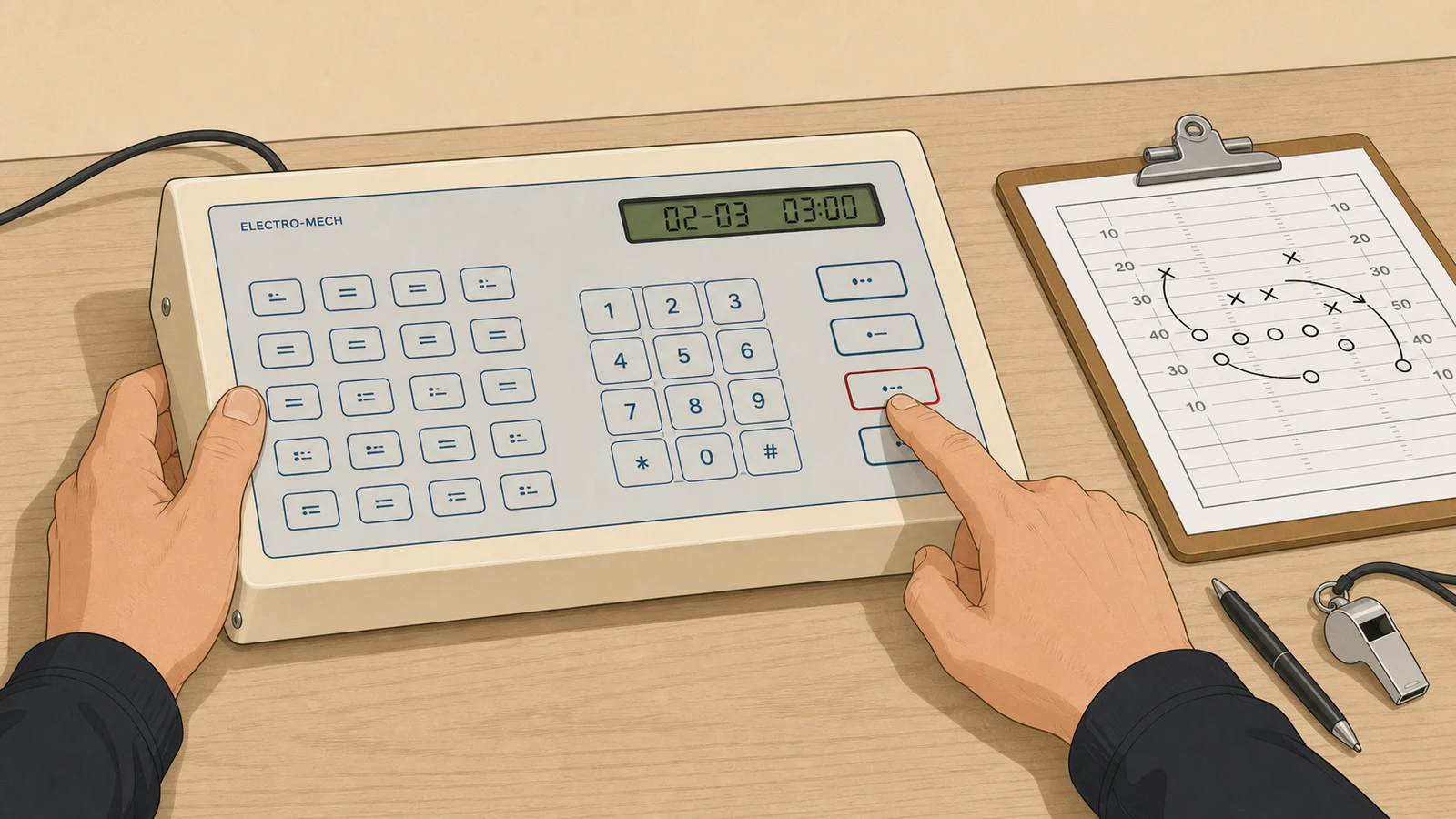
Before
After
Before: No segment timer configured
- Coach or assistant calls time verbally - players on the far side of the floor miss the cue
- Separate countdown device requires a dedicated operator and an additional equipment budget
- Practice schedule drifts when drills run long without a shared visible clock
- No automatic transition between drill time and break time
After: Segment timer enabled on existing console
- Every player and coach sees the same countdown simultaneously from anywhere in the field house
- Console steps through segments and breaks automatically - no additional operator needed
- Coaching staff can navigate forward or backward between segments in real time
- No new hardware purchase - the feature is already in the console menu
What will matter most for practice-segment timing in football field houses over the next 12 to 24 months?
In my experience, the programs that get left behind are the ones that treated timing as an afterthought during a renovation. The next 12 to 24 months will reward programs that decide where segment timing lives before construction starts.
| Signal | What the evidence shows | Why it matters now |
|---|---|---|
| Timing moves into the video display | According to Daktronics' knowledge base (KB 000024692), the All Sport Pro Football Practice Mode writes segment number and segment name directly into video-display data positions 142-143 and 148-159. The mode only supports more than nine displayed segments when a video display is connected. | A program specifying a new field house display has to decide whether tempo timing lives in the video system or in a separate unit. Programs that assume they can bolt on a segment timer after the fact may find the integrated route more expensive than anticipated. |
| Renovation cycle sets the specifications | Field house rebuilds are the moment when timing infrastructure gets specified, at the same time as wiring conduits and display mounts. Electro-Mech football consoles include segment timer mode as a standard feature, which means the capability question becomes a placement and wiring question during design. | Buyers who wait until after a renovation to think about practice timing lose the cheapest window to run a dedicated circuit and position mounts. The decision point is the construction plan, not a later purchase order. |
| Standalone consoles hold the low end | The Fair-Play MP-80 handles up to 99 segments with individually configurable durations. That capability sits entirely within a standalone console, with no video display required. | Small programs deciding where to spend limited dollars should not assume athlete-tracking technology covers tempo management. A room-visible countdown is a separate, low-cost line item that coaches and players can see between whistles. |
The conventional assumption that wearables, GPS, and practice analytics will absorb tempo management is wrong at the level that matters to most buyers. I have watched wearable adoption accelerate for a decade. The visible wall countdown that every player and coach can read simultaneously is a different tool. It solves a coordination problem, not a measurement problem. Those are not substitutes.
What would change this forecast: if athlete-tracking platforms add a shared, room-visible countdown that coaches trust for whistle-to-whistle tempo, the separate timer purchase collapses. Until then, the programs spending on wearables and GPS are still buying segment timers for field house tempo.
Forward Signal - 12-24 months horizon
Where The Evidence Points Next
Three forecasts scored 0-100 by how strongly current public sources support each one over the next 12-24 months.
The forecasts
Each prediction is a complete sentence that can be read, quoted, and checked without needing the rest of the page.
The main entry point for adding practice-segment timing over the next 12-24 months will be facility renovations rather than one-off retrofits, with athletic-village and field house rebuilds like Grand Valley State's Raleigh J. Finkelstein Athletic Village project (announced April 2026) folding tempo displays into base construction specs.
Even as sports-technology coverage centers on wearables, GPS, and data analytics, the visible standalone segment console - units like the Fair-Play MP-80 that handle up to 99 segments - will remain the default first purchase for small high schools and rec leagues through the next 12-24 months rather than being displaced by athlete-tracking systems.
Over 12-24 months, well-funded football programs will retire standalone practice clocks in favor of driving segment data straight into their main video displays and show-control systems, following the path Daktronics already supports where the segment number and segment name are fed into fixed display positions and where practices running more than nine segments require a dedicated two-digit mode.
Weak signals watched: Daktronics' All Sport Pro Football Practice Mode now writes the segment number and name into specific video-display data slots and only supports more than nine displayed segments on custom football displays, showing timing being treated as native display content rather than a separate box on the wall. Grand Valley State's April 2026 announcement of a complete field house renovation signals that timing infrastructure gets decided during large capital projects, at the same moment power, mounting, and console runs are being planned. Persistent buyer demand for the most affordable scoreboard and timer options for small high schools and rec leagues sits alongside broad sports-tech commentary that names wearables and analytics but never mentions a shared practice countdown, showing the two needs are not converging at the budget end of the market.
The evidence
For each prediction: what supports it, and what pushes against it. Both sides are shown for every forecast.
- How to use an Electro-Mech Football Scoreboard Control Console. supports this forecast. [Video]
- The forecast reverses if athlete-tracking platforms add a shared, room-visible countdown that coaches trust for whistle-to-whistle tempo, collapsing the separate timer purchase; or if field house renovation budgets contract sharply, removing the build moment where dedicated timing gets specified; or if a low-cost integrated video display becomes cheap enough that even small schools skip standalone consoles entirely.
- Segment Timer Setup and Operation on a Fair-Play MP-80 supports this forecast. [Video]
- How Technology is Changing the Game in Modern Sports - Medium supports this forecast. [Blog]
- All Sport Pro: How do I use Football - Practice Mode - Daktronics is the clearest counter-signal. [Industry Publication]
- All Sport Pro: How do I use Football - Practice Mode - Daktronics supports this forecast. [Industry Publication]
- All Sport 5000: How do I access the segment timer functionality in supports this forecast. [Industry Publication]
- Segment Timer Setup and Operation on a Fair-Play MP-80 is the clearest counter-signal. [Video]
- How to Set Up a Fair-Play MP-70/73 for Segment Timer Operation is the clearest counter-signal. [Video]
Where we could be wrong
These forecasts assume current trends continue. The scenarios below would meaningfully change them.
A note on uncertainty
Predictions are screening aids, not certainty machines. The strongest signal here (74/100) still has counter-evidence, and the contrarian signal (69/100) reflects real disagreement among sources.
- If the forecast reverses if athlete-tracking platforms add a shared, room-visible countdown that coaches trust for whistle-to-whistle tempo, collapsing the separate timer purchase.
- If or if field house renovation budgets contract sharply, removing the build moment where dedicated timing gets specified.
- If or if a low-cost integrated video display becomes cheap enough that even small schools skip standalone consoles entirely.
Key Takeaways
Key Takeaways
- Practice segment timer mode is a standard built-in feature on football consoles from Electro-Mech, Daktronics, and Fair-Play - no separate purchase required
- The Daktronics All Sport 5000 accesses segment timer mode through a documented menu sequence in Manual ED11976
- Setup steps differ by console brand and model - your operator manual is the only authoritative reference
- Video-equipped field houses are increasingly routing segment timer data directly to the video display through the same console
- Configure your console before the first practice whistle - setup takes one session
The consistent finding across every console platform covered in this article is the same: adding a practice segment timer to a football field house is a configuration task, not a capital expense. According to Daktronics' knowledge base (KB DD2019058), the All Sport 5000 accesses segment timer mode through a documented key sequence in Manual ED11976. Fair-Play and Electro-Mech football console systems carry the same built-in capability.
In my experience, the programs that implement segment timing most reliably are not the ones with the largest equipment budgets. They are the ones where a coach or equipment manager spent an afternoon with the console manual before the season started. That investment is measured in hours, not dollars.
The next development worth watching: as field houses add video display infrastructure, the console that handles practice timing will increasingly feed that same countdown data directly to the video display - no separate operator, no secondary system. The trend is already documented at the hardware level. The segment timer is already in your console. The time to configure it is before the first practice whistle, not after.
If you're evaluating football scoreboards for a field house build or renovation, the Electro-Mech sales team can confirm segment timer capability for any model and walk through the configuration steps before you commit to a purchase.
Written by
Chap McMichael
Vice President of Customer Service, Electro-Mech Scoreboard Company
Chap McMichael is Vice President of Customer Service at Electro-Mech Scoreboard Company, with more than 30 years in the sports manufacturing and construction industry.
Connect on LinkedInFrequently Asked Questions
Does my existing football scoreboard console support segment timer mode?
Most modern football control consoles from Electro-Mech, Daktronics, and Fair-Play include segment timer mode as a built-in function. No separate device or software license is required. I'd recommend checking your console's operator manual under "practice mode" or "segment timer" before purchasing a standalone countdown timer as a workaround.
Can the console count down a break between drills automatically?
Yes. Break time is a configurable parameter entered separately from segment duration. On most platforms it can be set as a single value applied to all breaks, or individually per segment. The console advances from segment countdown to break countdown to the next segment automatically after you press Start.
Why do segment timer setup steps look different across brands?
Each manufacturer built segment timer access into a completely different input path. The Daktronics All Sport 5000, for example, navigates through a game-mode menu sequence. Fair-Play consoles use a startup key combination or sport-change menu. Steps that work on one platform do not transfer to another - always use the manual for your specific model.
Will GPS or wearable technology replace a field house segment timer?
Athlete-tracking and wearable platforms measure individual output data and are valuable tools. They do not display a shared visible countdown that every player and coach reads simultaneously from across the field house floor. The segment timer on a scoreboard solves a different problem. Both tools can coexist in a well-equipped facility.
Summarize This Article With AI
Open this article in your preferred AI engine for an instant summary.