
Home / Documentation / Accessory manual
Download the original PDF (3006 kB)
This page reproduces the text of the PDF above without alteration, so the document can be read, searched and linked to directly.
Buttons and Indicators
Running Indicator Light = Illuminates solid green when the PST clock is running.
Next Segment = Advance to the next segment. The number and sequence of segments is assigned through the main console.
Previous Segment = Restore the time to the starting value for the current segment, or ─ if the clock is already showing the starting value ─ go to the previous segment.
Run / Stop = Start or stop the clock.
Mode = Toggle between checking the battery strength or signal strength. Press and hold this button to put the handheld unit in low power mode. Press again to resume normal operation.
Battery Strength Indicator Light = Illuminates solid amber while the green Strength Bar Indicators display the handheld unit's battery strength. This LED will blink on once every five seconds when the batteries need to be replaced. It will illuminate briefly when the device powers up fully.
Signal Strength Indicator Light = Illuminates solid amber while the green Strength Bar Indicators display the handheld unit's signal strength. This LED will blink once every two seconds when the handheld unit is unable to find a ScoreLink server. It will illuminate briefly when the device powers up fully.
Strength Bar Indicator Lights = Illuminate solid green as strength increases; more lights mean more strength.
Batteries
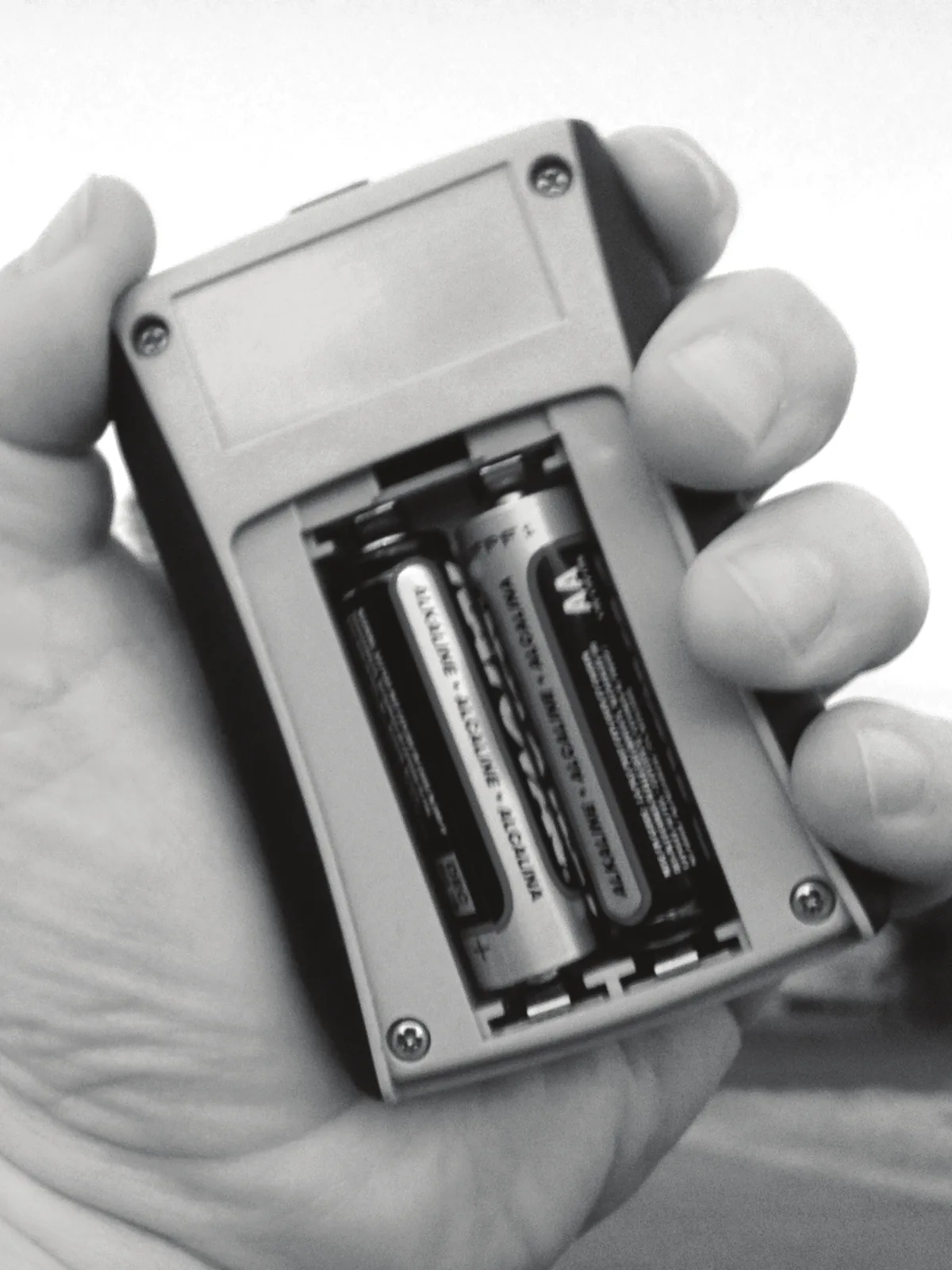
The Practice Segment Timer Switch Assembly requires two AA batteries to power it for wireless operation. These can be standard alkaline batteries or rechargeable batteries. Either style should provide over 20 hours of operation on a fresh charge. You cannot recharge batteries inside the handheld unit.
Electro-Mech's wireless switch assemblies are designed to conserve battery power when they are not active. The units drop into a lower power mode when they are unable to detect the presence of a ScoreLink server for several minutes. You can manually activate this low power feature by holding the [MODE] button for about five seconds. However, the internal electronics continue to drain the batteries slightly. We recommend removing the batteries from units that will not be in use for a few days.
Page 1 of 1
Electro-Mech Engineering / 2016-May-18