
Home / Documentation / Accessory manual
Download the original PDF (1425 kB)
This page reproduces the text of the PDF above without alteration, so the document can be read, searched and linked to directly.
Care and Use
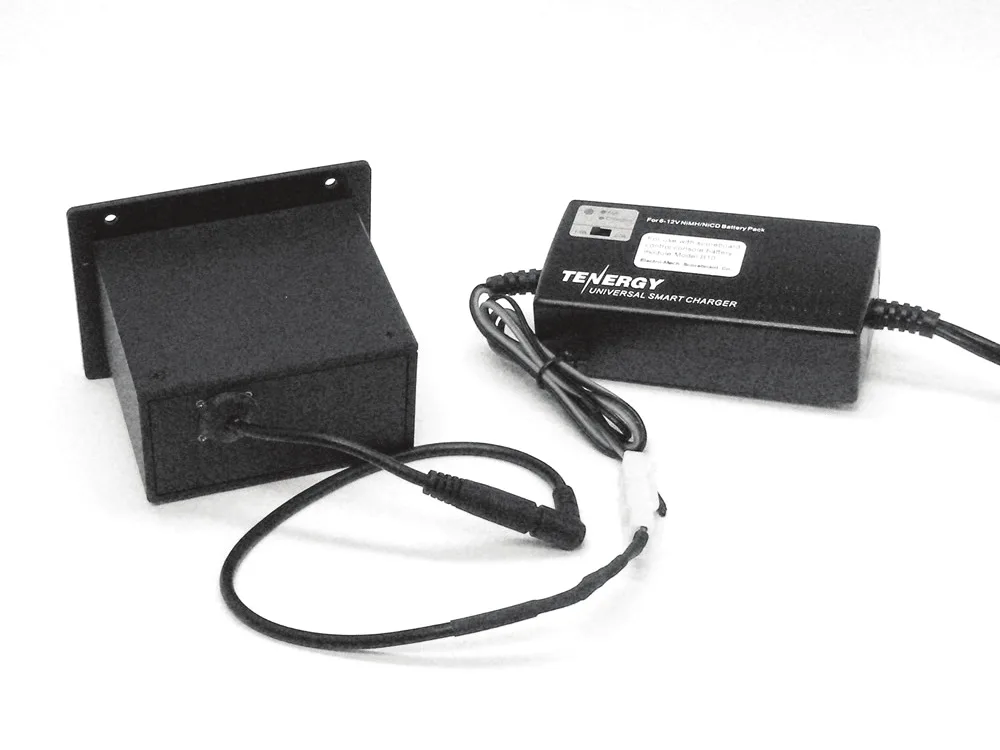
Charging: Remove the B10 Battery Pack from the control console and connect it to the Universal Smart Charger, using the barrel-style adapter. The LED indicator on the charger will glow red during the charge cycle and turn green when charging is complete. Typical charge time is a mere two hours.
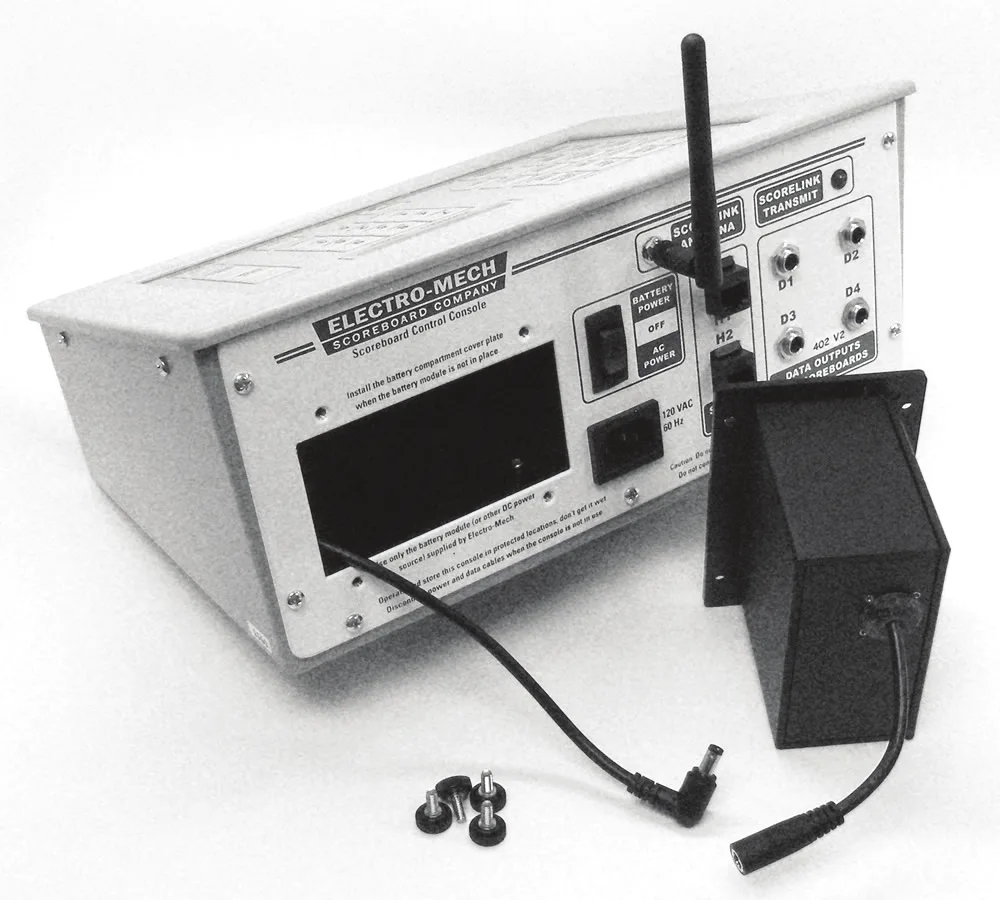
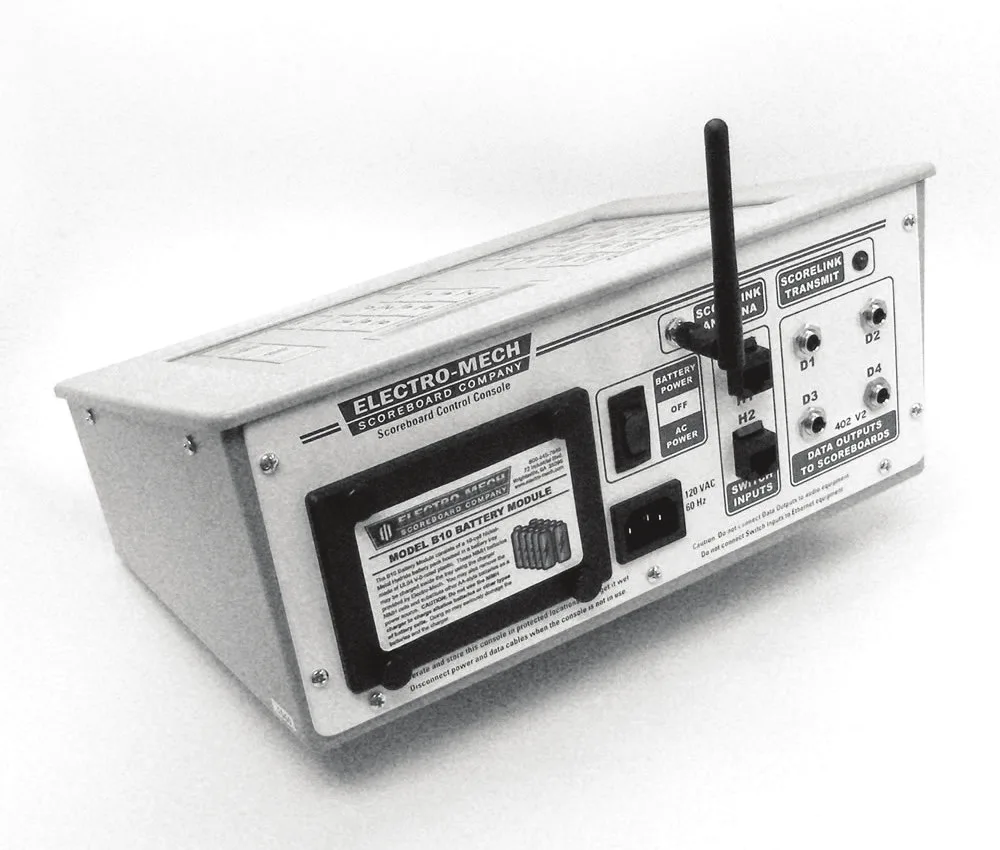
Installing: Plug the battery pack into the DC coupler cable that extends from inside the scoreboard control console. Tuck the cables behind the battery pack as you insert it into the back of the console. Install the four thumbscrews to secure the battery pack.
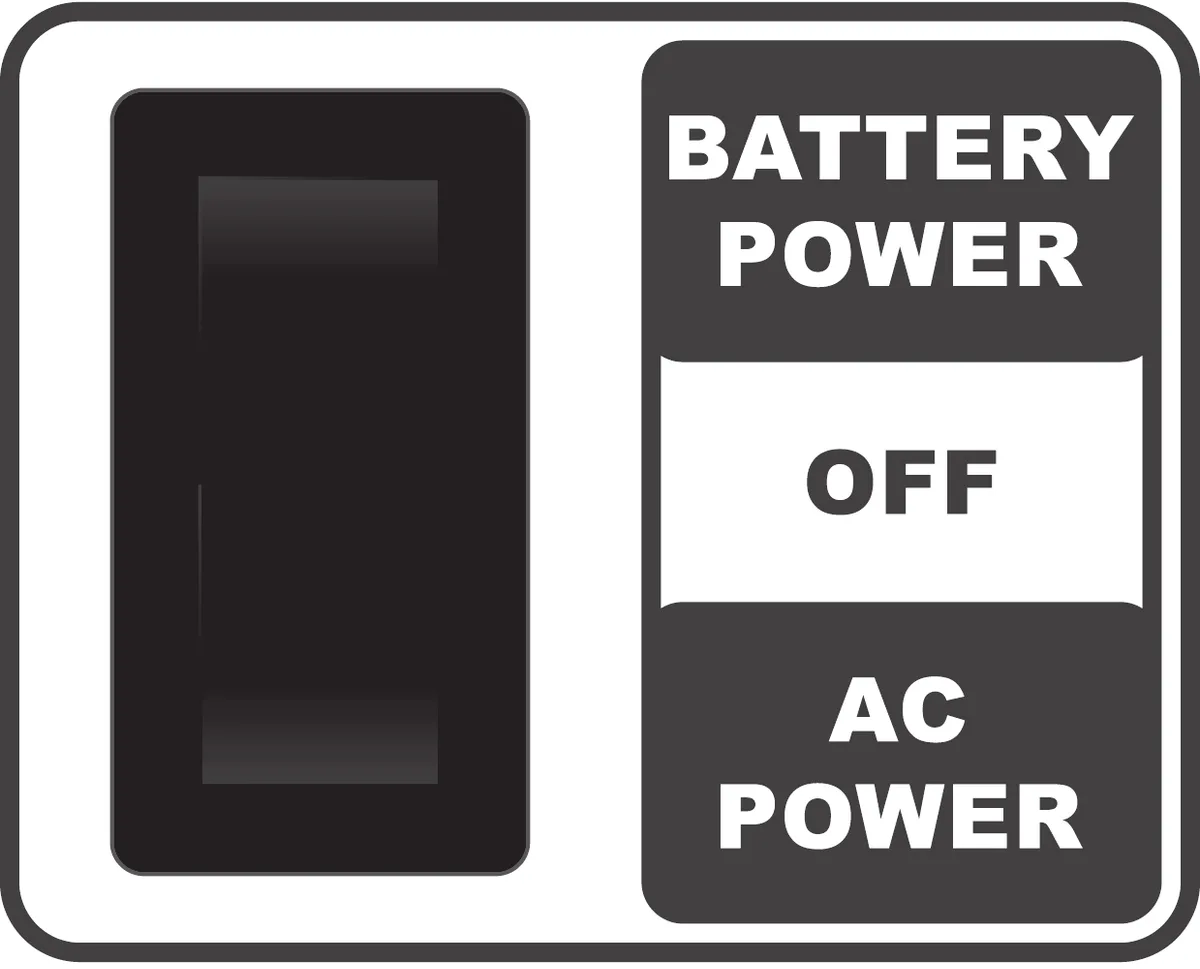
Applying Power: Set the three-position power switch on the back of the control console to the top "BATTERY POWER" position. On a fresh charge, the B10 Battery Pack will run an MP console with embedded ScoreLink system for over 12 hours.
Storage: When you are not using your scoreboard system, make sure the power switch for the console is set in the middle "OFF" position. This will help preserve battery life. However, like all batteries, the B10 Battery Pack will continue to discharge slowly over time.
Safety: Please refer to the full owner’s handbook for important precautions and other details.
Page 1 of 1
Electro-Mech Engineering / 2016-April-26